
1 Your event
2 Pick your modules
3 Review & create
Create your Shindig event.
Tell us the event basics first — then you'll set up your event-level settings and pick the modules that fit.
Event location (for maps & directions)
The name guests will recognize — a hall, church, restaurant, park, or just “our backyard”.
Designate someone to help manage this event. They'll get a copy of every event email and, by signing in with this email, the same access you have. Leave blank if you're managing it yourself.
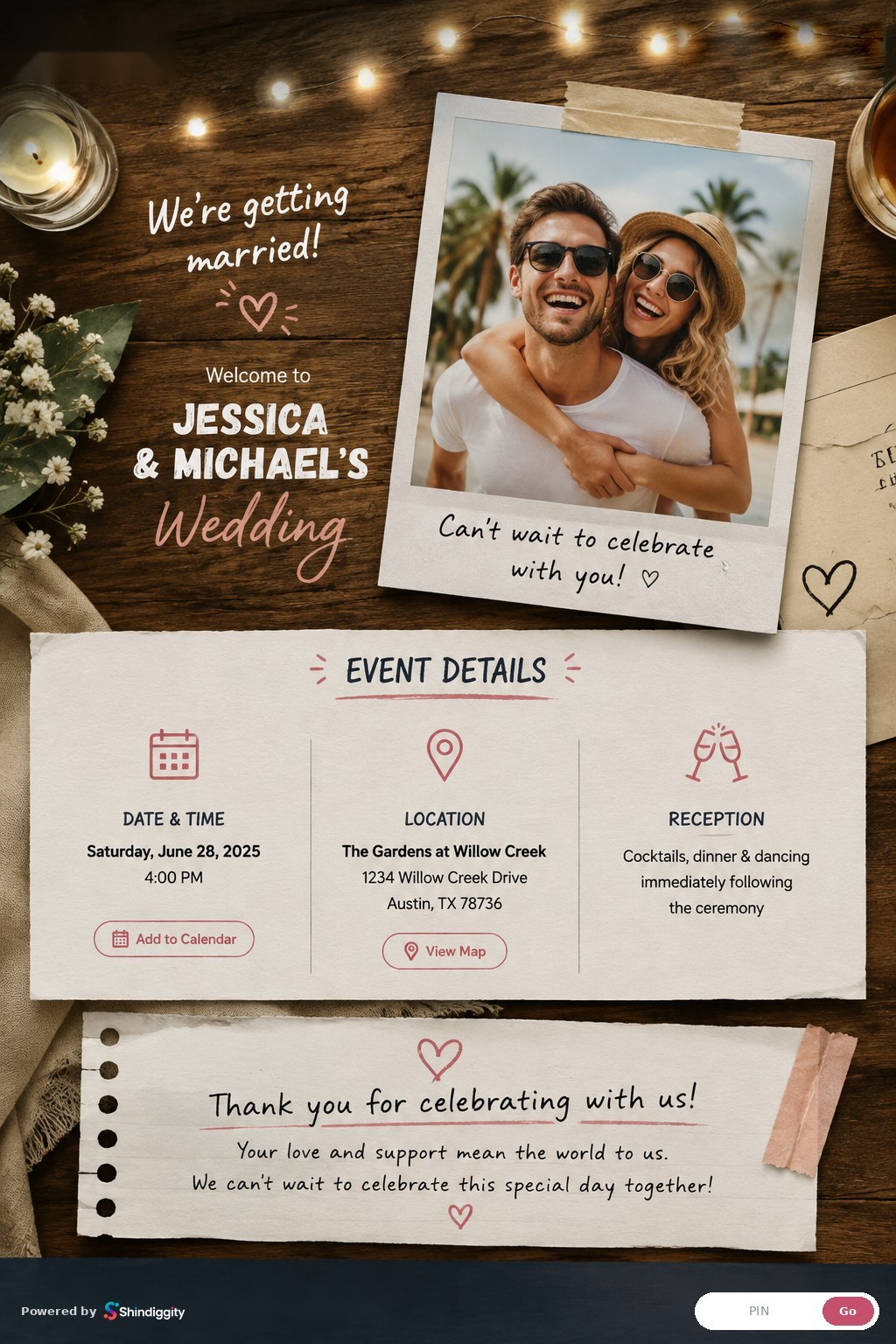
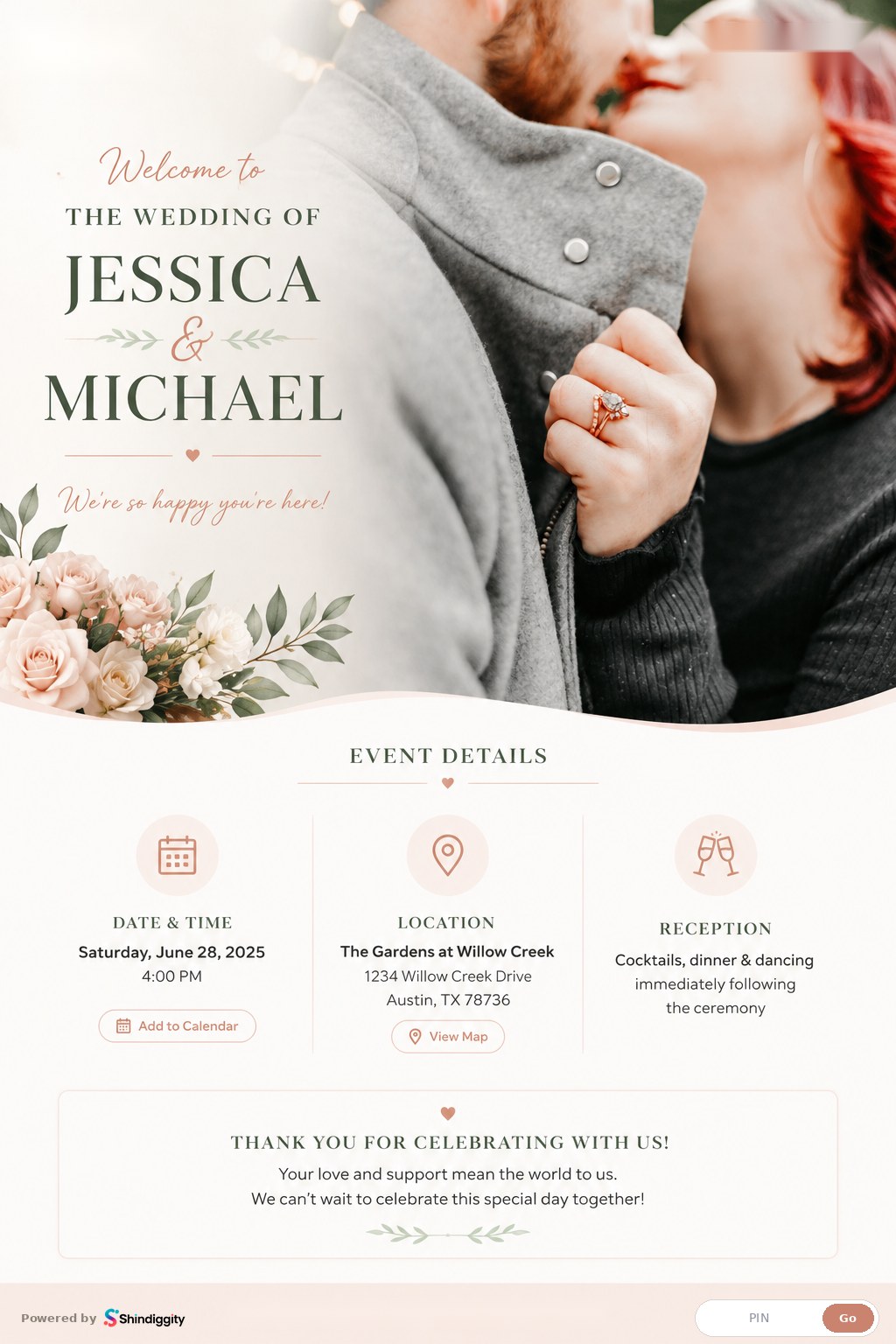
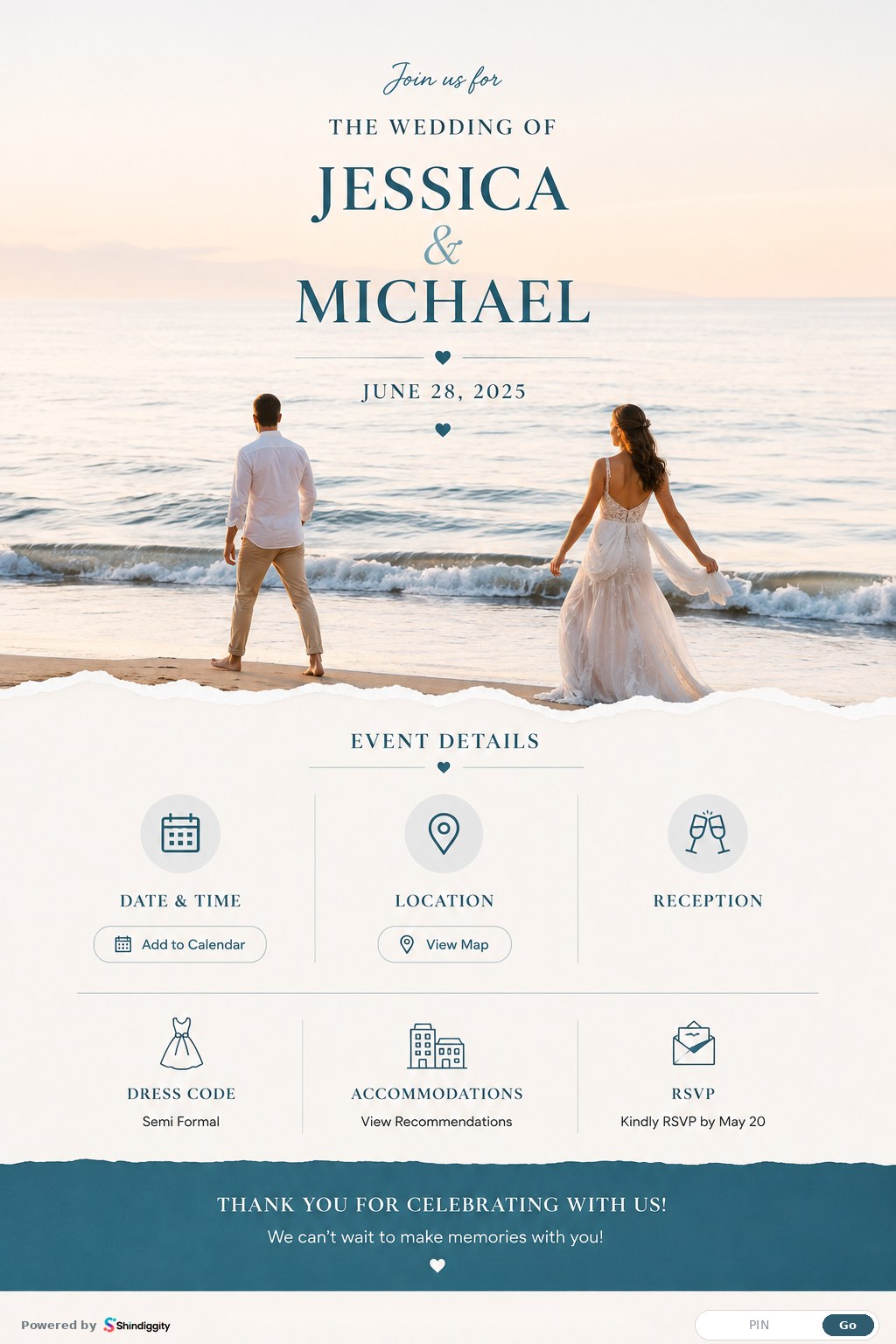
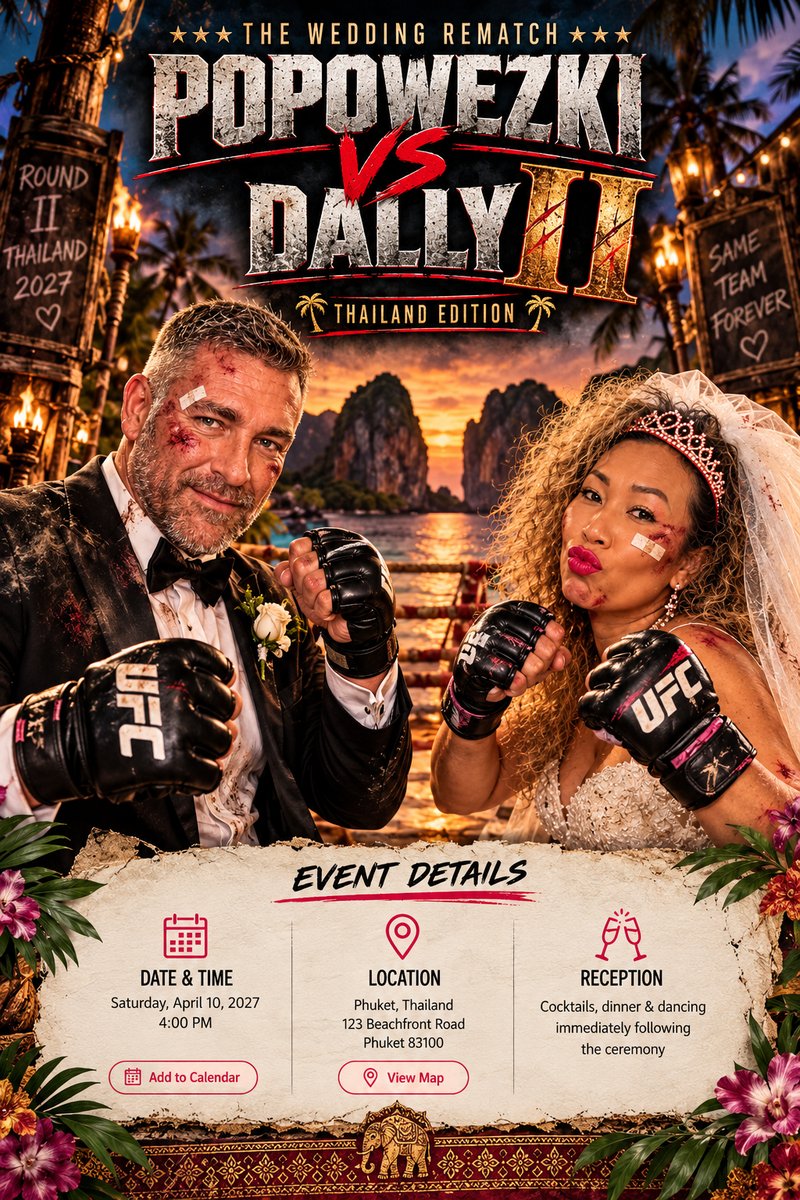
Make it a photo of the two of you together — an engagement photo works great, or take a selfie together right now!
It becomes the photo on your event page. You can add or change it later.
Shows on your event page under "Thank you for celebrating with us!" — leave it blank and nothing extra appears. You can change it any time in the host console.
Already hosting? Organizer login
Pick your modules.
Scroll the list and add whatever fits your event — each pick lands in your event cart. Door check-in, the Event Program, announcements, and the guest book are always included, free. You can change modules any time in the host console.
Cancel and return homeYour event cart.
These modules will be live for your Shindig the moment you hit create.
Cancel and return home